1. Connect your data
Point FactSmith at your warehouse. It reports on dimensional models, and says so plainly if a schema is not one. The first questions are proposed and checked, not left as a blank page.
2. Agree what things mean
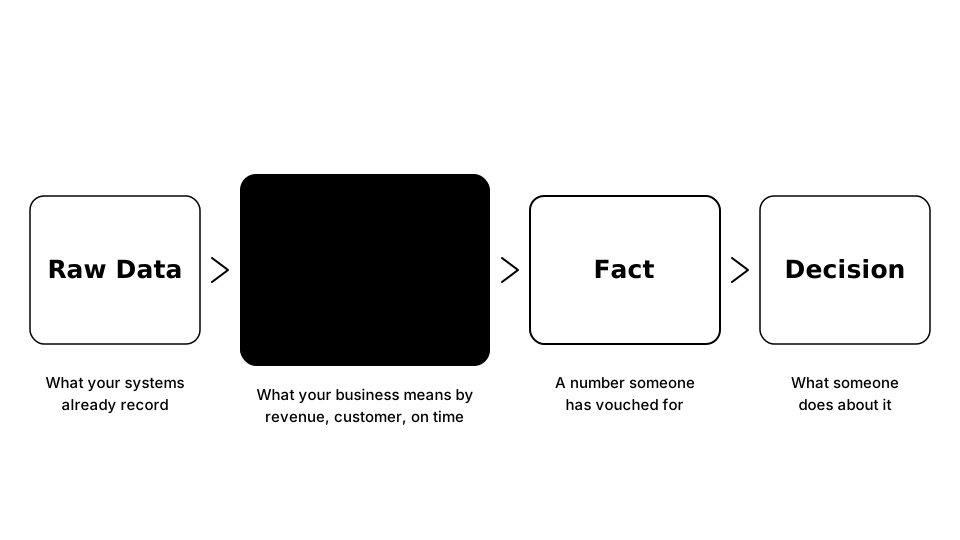
Define revenue, customer and on time once, so every answer uses the same definition.
3. Ask
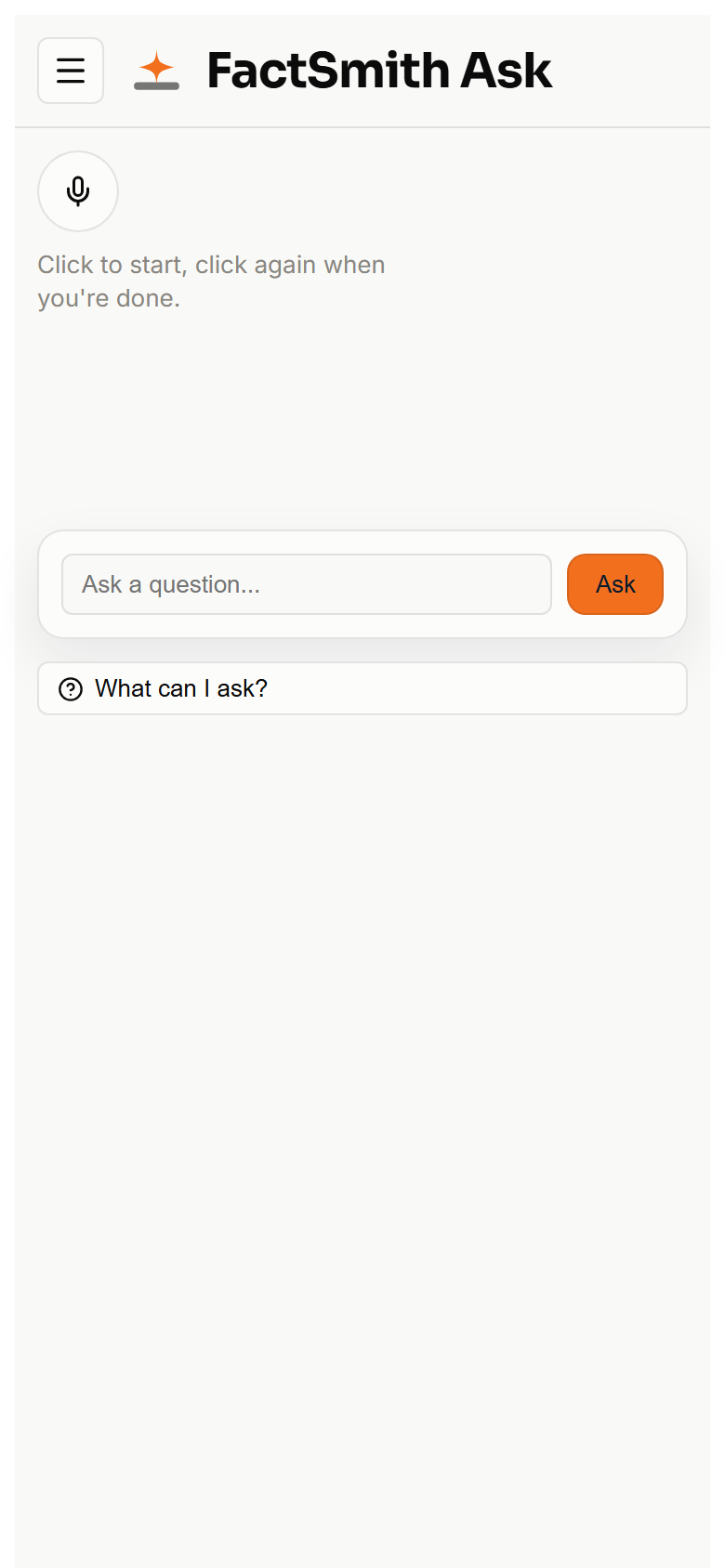
Ask in your own words, by voice or by typing. The two are the same box.
4. Keep what matters
Keep the answers worth keeping. Standard questions this warehouse can already compute are facts on their own. An administrator still vouches for everything else.
Connecting a warehouse is guided
The first session is not a blank page.
FactSmith looks at which parts of your warehouse have never been asked about, proposes questions in ordinary business language, and checks each one actually runs and comes back with rows. An administrator then accepts or rejects them one at a time, with the query shown. Only the accepted ones count when we score whether the product is getting the numbers right.
Two kinds of fact
Some questions this warehouse can already compute as a standard formula. Those are facts without a person signing them, and they stop being offered if the inputs go away.
Anyone can save any other answer. Only an administrator can vouch for one of those. That is still what keeps a saved number from looking official just because it was kept.
Ask it how you would say it
A question in plain language is enough. FactSmith returns one or more tiles you can read, keep, and ask about again. A question that asks for more than one view lands more than one tile; a confirmed question you have asked before stays one.
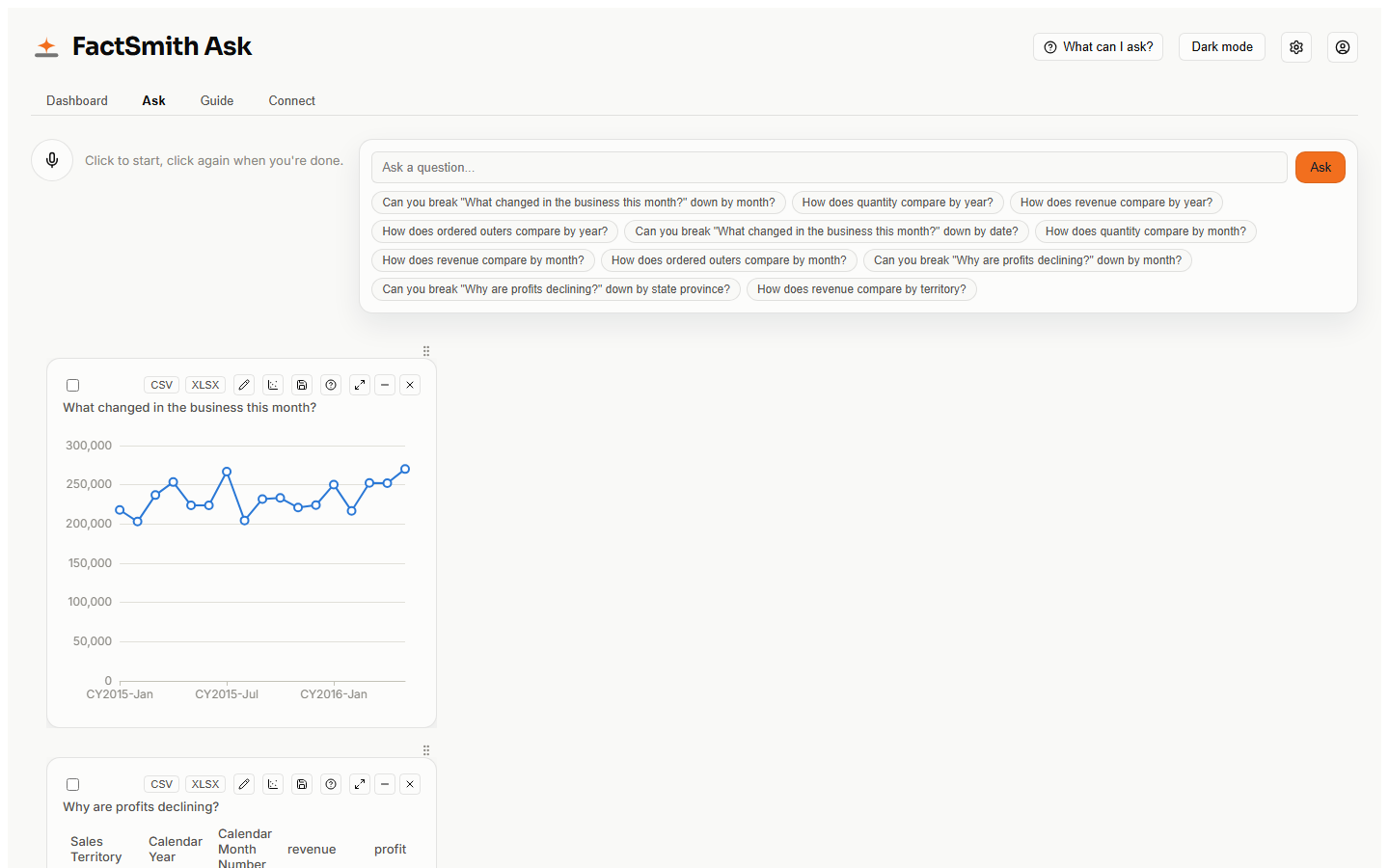
When the question is ambiguous, it asks back
It does not invent a framing.
If the date or the measure is underspecified, FactSmith asks which one you meant before it runs. The minute-in-the-product clip on What is FactSmith shows that. A wrong date is cheaper to catch as a question than as a wrong answer.
Four minutes of the product
Sign in as a scoped role, type a question, edit it before it runs, and keep the tile. Wide World Importers. No features that are not on screen.
When the date is ambiguous
Ask by year and it does not guess. It asks which date this warehouse means.
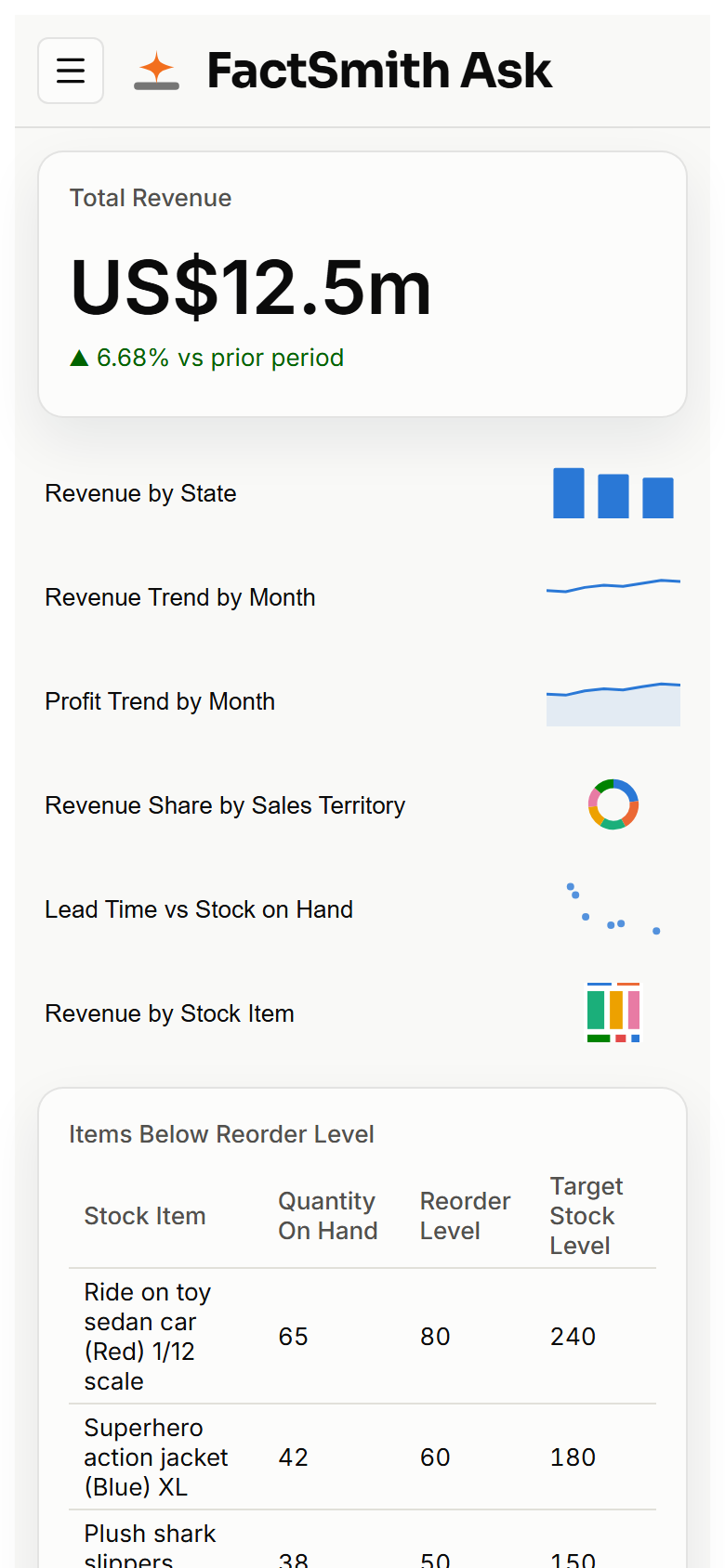
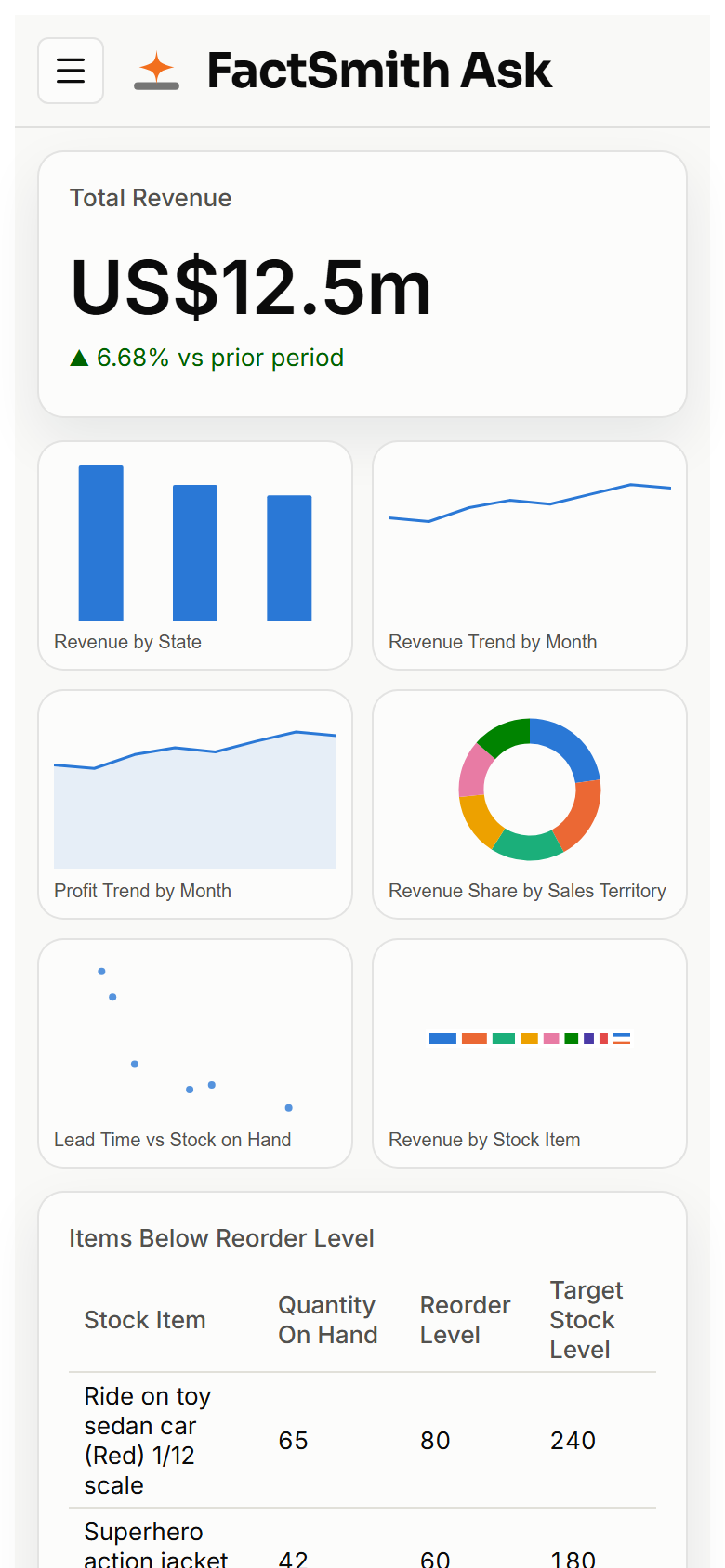
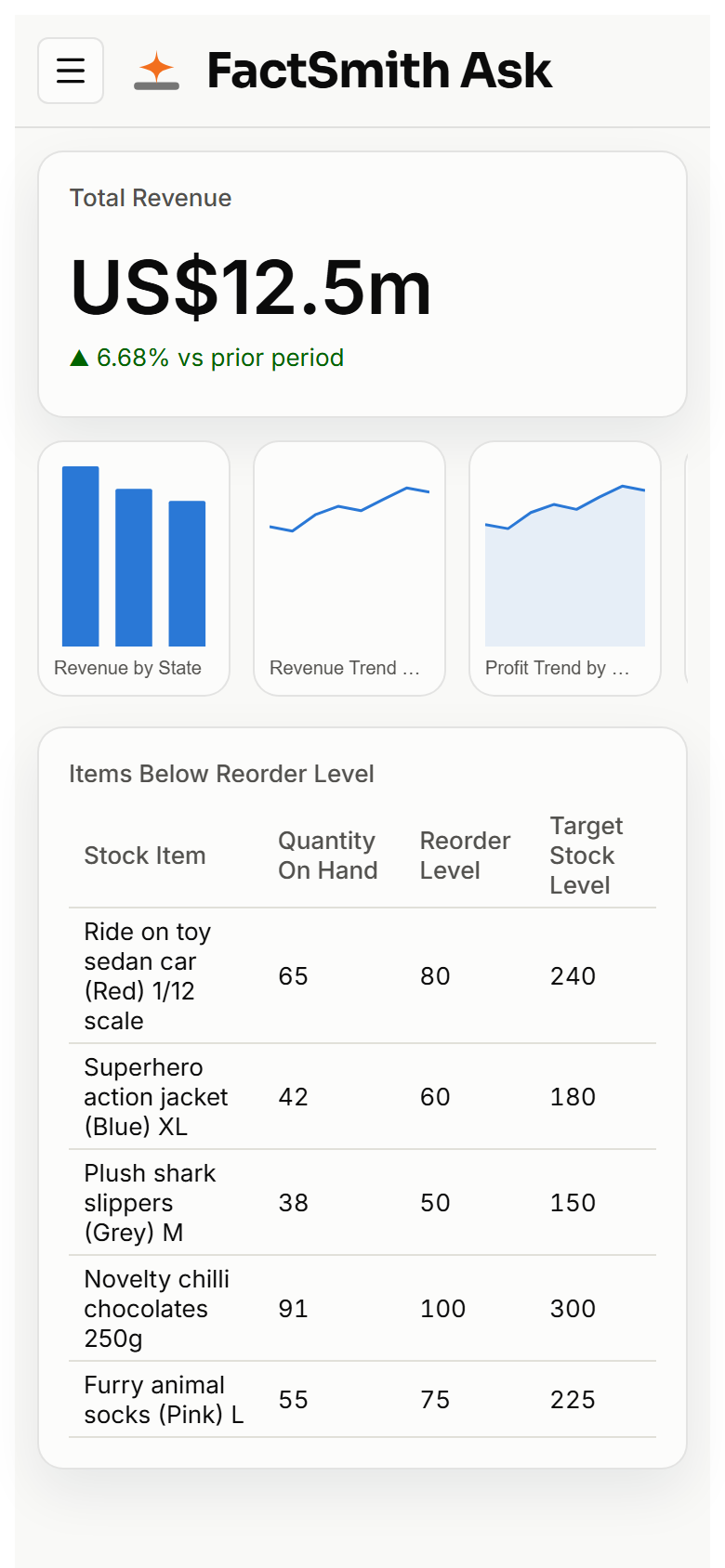
On a phone
Tiles stack. Charts pick one of three layouts: a list, a two-column grid, or a scrolling strip.
Ask on a phone is consume-only: you ask and you see the answer. Saving, editing and changing the chart type stay on a larger screen.
Where data becomes fact
Where to go next
What running it involves: Deployment · Hosting costs · Trust and security.
Or read the questions it answers.